
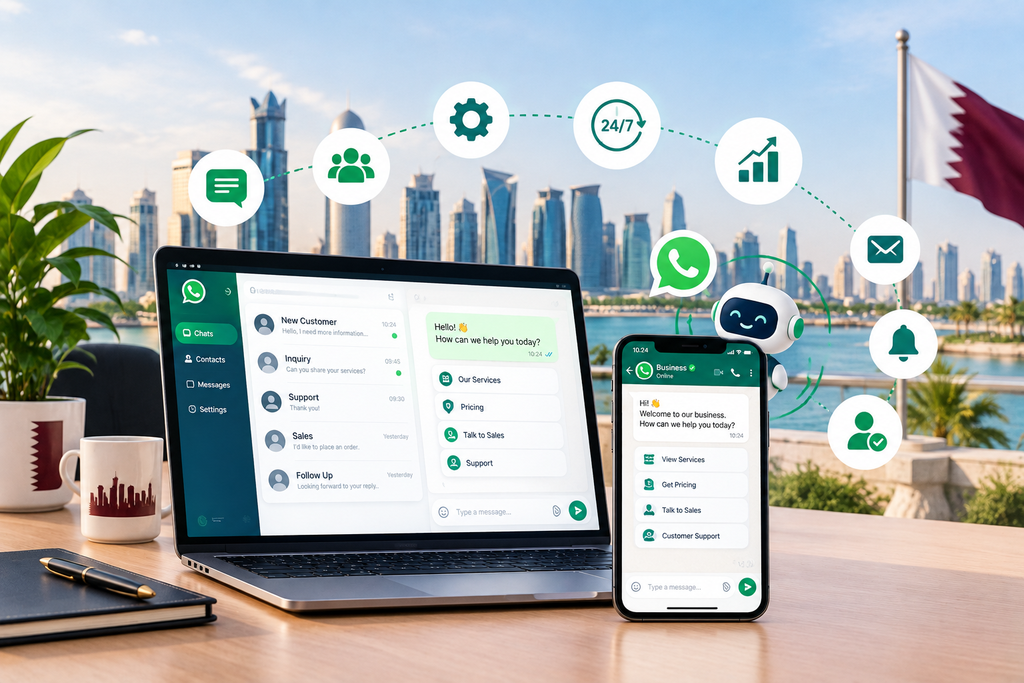
Many businesses in Qatar use WhatsApp as a communication channel for their customers. However, answering questions, providing quotes, booking meetings and managing orders can take time and lead to missed messages.
WhatsApp automation can help reply to the most common questions, organize your leads and send reminders.
What is WhatsApp automation?
WhatsApp automation is a way to manage recurring communication tasks with your customers. You can use WhatsApp automation to:
Send pre-written answers to recurring questions.
Remind your customers of appointments or bookings.
Provide confirmation messages or updates regarding orders.
Organize your customer enquiries and leads.
Connect WhatsApp to a CRM or your booking system.
Direct customers or sales enquires to the relevant teams.
If you need more advanced communication options, explore the WhatsApp Business Platform and WhatsApp Business API.
Why WhatsApp automation is important for your business in Qatar
Many customers will expect a quick response to their WhatsApp message. If you fail to reply, they will move to your competitors and ask them the same questions.
WhatsApp automation allows you to manage customer communication quicker, helping you to avoid missed messages and repetitive responses.
1. Reply to customer enquiries efficiently
WhatsApp automation can help reply to your customers’ most common questions or provide them with some information about your services.
For instance, you can set up an automated message to ask the basics about a project before requesting to forward the conversation to a specific team member. Always ensure that automated messages provide an option for customers to speak with a representative if they need more details.
2. Organize your leads more efficiently
Many businesses use WhatsApp for customer or sales enquires. Connecting WhatsApp to your customer relationship system (CRM) can help organize your sales process and track which customer is interested in which product or service.
For instance, a real estate agency in Qatar can use WhatsApp to separate customer enquires about buying, renting or maintaining a property.
3. Remind your customers about their appointments or bookings
WhatsApp can help you to remind your customers of their upcoming appointments, meetings or bookings.
A clinic, a salon, a consultancy or a local maintenance service in Qatar can connect WhatsApp to their booking system and send automated reminders to their customers. A possible WhatsApp automation process to send reminders can be:
The customer makes a booking request.
Your booking system stores the appointment’s details.
WhatsApp sends an automated message as a reminder.
The customer confirms the booking or amend it, if possible.
4. Answer your customers’ FAQs efficiently
Many businesses receive the same questions about prices, delivery options, payment methods, and opening hours. WhatsApp automation can help you to respond to these questions faster so that your team members can focus on more complex issues.
Always ensure that your automation process forwards conversations to a team member to resolve more specific enquires.
5. Improve your customer support process
WhatsApp automation can help separate your customer support and sales inquiries, as well as route them to the correct department. Connecting WhatsApp to your CRM or customer support system can also help your employees to access previous conversations and avoid asking your customers repetitive questions.
However, always ensure that automated processes do not replace your customer support team when a conversation requires specific attention. Always route customer complaints or sensitive discussions to a team member.
6. Follow up with potential customers
Some of your customers might need more information before making a purchasing decision. You can use WhatsApp automation to remind your sales representatives to follow up with these leads.
Avoid using automated WhatsApp messages to send unsolicited marketing messages. Ensure that your automation processes comply with WhatsApp’s marketing regulations and the preferences set by your customers.
7. Assist with your customers’ orders
If you sell products or services online, you can connect WhatsApp to your e-commerce website or system to send order confirmations, delivery notes, and other customer-facing documents. This will help your customers to keep track of their orders without having to contact your business directly.
The specific WhatsApp automation features will depend on your e-commerce website or system.
8. Connect WhatsApp to an AI automation process
You can also connect WhatsApp to an artificial intelligence (AI) automation solution, which can help you to categorize and summarize your customers’ or sales enquiries. Some AI automation processes also allow you to respond to repetitive questions using approved answers.
For instance, connecting WhatsApp to a CRM system can help you to store and categorize your customers’ questions to help your representatives reply faster. Always ensure that any information provided by an AI system is reviewed by a team member and that your customers have an option to speak with a representative if they need more details.
How to get started with WhatsApp automation for your Qatar business
It is best to begin with a simple communication task and then add more complex processes as your business grows. Here is a high-level view of how to set up WhatsApp automation for your business in Qatar:
1. Determine your most common communication needs
Consider whether your business needs to:
Reply to customer questions or sales enquires.
Remind your customers about appointments, meetings or bookings.
Follow up with customers after responding to their initial enquiry.
Update your customers about their orders, delivery progress or other operations.
Organize your leads or customer inquiries.
2. Select the type of WhatsApp automation that suits your business
Depending on your specific requirements and industry, you might only need to use the WhatsApp Business app or explore more advanced WhatsApp Business solutions.
3. Connect WhatsApp to your business system
Determine whether you need WhatsApp to connect to your website, email, CRM, booking system or e-commerce platform.
4. Build your WhatsApp automation process
Set up a simple conversation, ensure that the message is appropriate for your customer, and confirm that they can contact a team member if they need more assistance.
5. Monitor your WhatsApp automation results
Review the key performance indicators (KPIs) of your automation process. For instance, monitor the response time to your customers, the number of missed or unanswered messages, the number of follow-up calls or conversations and your overall customer satisfaction.
Common mistakes to avoid when using WhatsApp automation in your Qatar business
Always ensure that:
Your WhatsApp automation does not send irrelevant messages. This will damage your brand reputation and will annoy your customers.
You only use automated messages for repetitive questions or tasks. Your customers always appreciate a more personal and friendly response from a real person.
The information found in your automated messages is relevant and up-to-date.
Your WhatsApp automation process provides an option for customers to contact a team member.
Your WhatsApp automation follows the rules set by WhatsApp and your customers’ preferences.
You protect the privacy of your customers and ensure that your WhatsApp automation process keeps their information safe.
You test your WhatsApp automation processes to ensure that they are not disruptive to your customers.
Final Thoughts
WhatsApp automation can help Qatar businesses respond to enquiries, organise leads, send reminders, and manage routine customer communication more efficiently. When connected with the right business tools, it can also support better follow-ups and reduce repetitive manual work.
The best solution depends on how your business operates. A small service provider may only need automated replies and booking reminders, while a growing company may benefit from CRM integration and more advanced workflows.
At Orbition X, we help businesses explore practical digital solutions through website development, AI automation, and connected workflows. We can help you identify opportunities to simplify customer communication and choose an approach that fits your business requirements.
Ready to Get Started?
Ready to get started? Orbition X builds WordPress websites, Shopify stores and landing pages from Doha. See our web development service or book a call and we will scope your project and give you an itemized quotation.