
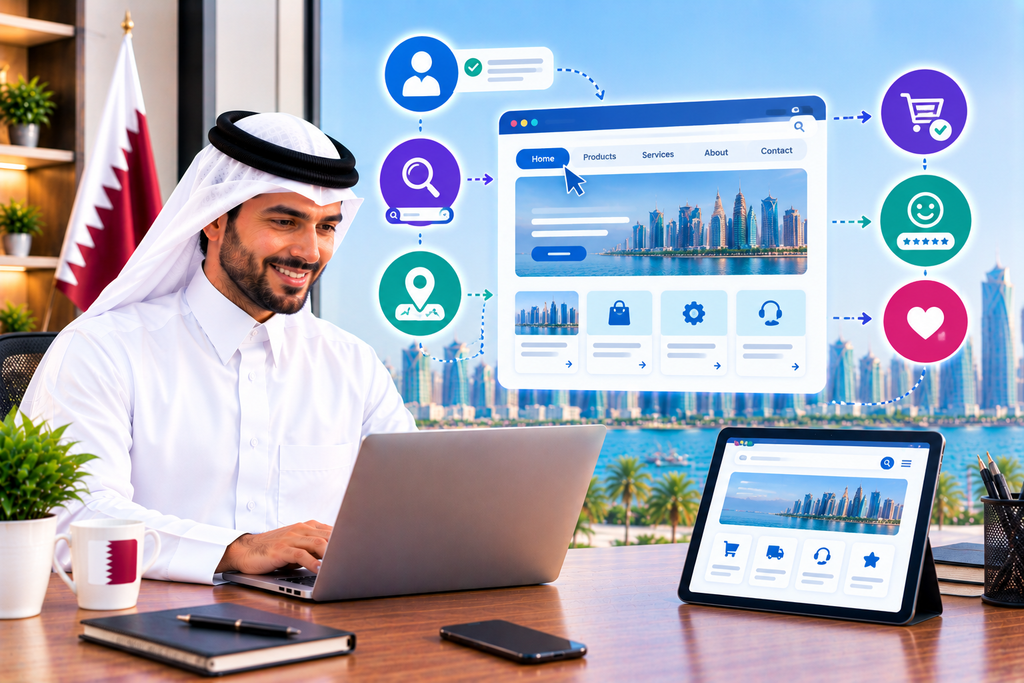
A website is the first place that many businesses in Qatar will consider for potential customers to learn about the company and its services.
However, while making information available is important, it is equally important that potential customers can find the information they are looking for without any significant effort.
This is where website navigation becomes important.
There are many examples of where a misplaced or difficult to find menu item has put a potential customer off and resulted in them turning away from a business.
With that said, what exactly is website navigation and how can businesses improve it?
What Website Navigation Is
Website navigation refers to the menus, links and buttons that allow users to navigate around a website and access different pages.
The majority of business websites will have a number of specific pages such as Home, About Services, Products, Blog and Contact.
These should be arranged in a way that is intuitive and allows new visitors to find the pages they are looking for.
In many cases the best approach is a simple menu without any unnecessary complexity.
Why Website Navigation Is Important for Qatar Business Websites
There is a great deal of competition online and businesses in Qatar must ensure that they are in a better position than their competitors.
A potential customer may browse many websites in a single session and, if they find that one website is significantly easier to use than another, they are likely to choose the easier one.
It is worth remembering that users will not put any effort into finding out what your business is about.
They will simply move on to a website that they can immediately understand.
Website navigation can make the experience of visiting a website significantly more positive and encourage them to stay on your website.
Making Information Easy to Access
One of the primary functions of website navigation is to make helpful information easy to access.
For example, if someone visits a web development company and wants to find out what services they offer, how they can contact them and what previous work they have undertaken, this information should be easy to find and not require a user to complete any complex steps in order to view it.
While some businesses may have a very detailed services page, it is unlikely that a potential customer will want to read this.
A simple menu allows them to access the information they need.
Avoiding a Complicated Main Menu
It is easy to try and include too many menu items.
Businesses may feel that they want to provide options for all of their services and published content, but this will lead to a complicated menu that confuses users.
The main navigational menu should simply reflect the most important pages on the website and additional information that is less important can be found elsewhere, perhaps in a footer on the website or as sub-menus in specific sections.
A simple menu is much easier for a user to understand.
Ensuring That Menu Items Are Straightforward
The items on the main menu should reflect where on the website they will take the user.
Using clear labels such as About, Services, Products, Contact and similar words is important.
Avoid trying to be creative with menu item names and instead follow established conventions.
Users will not expect to see unclear or overly creative labels and a strange label such as My Amazing Services will not encourage a user to select it.
Organising Services Correctly
Many businesses offer a variety of services.
To make it easy for potential customers to find relevant information about them, organise them in a logical manner.
Many businesses in Qatar are digital agencies and offer services such as web development, SEO, paid advertising and AI automation, but it is not always immediately obvious what these services are and what they relate to.
A clear services page with appropriately structured information on each service will make it easier for users to determine whether your business can help them.
Making Contact Easy
One of the most important pages on almost any business website is the contact us page.
After all, if the user wants to actually contract the business they will need to know how to do so.
The website should make it easy to find this information.
Phone numbers, contact forms, emails and any other useful information should be easily found.
Most users will not make an effort to find this information if it is not easily accessible in the main menu.
Ensuring Good Navigation for Smartphones
Navigation is particularly important for smartphones.
Whereas on a desktop computer there is plenty of space to have a large menu, this is not the case on a mobile device.
The menu and links have to be large enough to be seen and selected by a user with a fingertip.
While it is true that a significant proportion of web traffic comes from mobile devices, businesses should also consider the fact that many people still search primarily on desktop devices.
Website navigation is important for users regardless of the devices that they use.
Using Breadcrumbs
Breadcrumbs can be a good way of showing the user where they are within the website.
For example, Home > Services > Web Development > E-commerce Websites.
This is particularly useful for larger websites.
By selecting a piece of information on the website, the user can see where it fits in the larger structure.
Where appropriate, businesses can use breadcrumbs to help users navigate large amounts of content.
Using Internal Links
While the main menu is important, it is also worth considering using internal links on website pages to make it easier for users to navigate to related content.
For example, if the user is viewing a page about website development, an internal link can take them directly to a related page about website maintenance.
In addition to being useful for users, internal links can also help with SEO.
Ensuring Easy Access to Important Pages
Some pages on the website are more important than others.
For many businesses these are likely to include services, products, contact details, pricing and any other important information that users will want to find quickly.
In short, businesses should ensure that important information is not too far away and can be reached quickly via the main menu or internal links.
Creating a Website Search Function
Larger websites that have many different pieces of content available should consider using a search function.
For example, if the business offers a wide range of products, having a search function makes it much easier for the user to find what they are looking for.
A search function can also be beneficial if the website has a large amount of blogs or other content.
Users will expect to see relevant content without having to navigate through multiple menus to get there.
However, a search function should work correctly and return relevant results when the user searches for a term.
Encouraging Conversions
A good navigation structure can actually encourage more conversions for the business.
As mentioned previously, users will not always want to spend time browsing around a website.
They may simply want to find the information that they are looking for and move on.
For example, a potential customer may find the service that they are looking for, but if they cannot then easily request a quotation they may end up leaving the website.
In short, it is important for businesses to make sure that the navigation allows the user to move easily from learning about the business to actually taking some form of action such as contacting the business.
A poor navigation structure can reduce website conversions.
Navigation and SEO
Navigation can have a positive impact on SEO.
A clear structure makes it easier for search engines to crawl the website and understand the relationship between different pages.
Internal links can assist with this process.
Having said that, navigation should primarily be designed with users in mind.
Trying to create artificial links simply for the sake of SEO can result in a messy menu structure.
Avoid Too Many Dropdowns
Dropdowns can be a good way of navigating large amounts of content.
For example, businesses may use a dropdown to show different service categories or specific locations that they cover.
However, it is important to avoid having too many dropdowns which require users to click through multiple layers to see the content that they are interested in.
Making the Logo Clickable
It is standard practice to make the logo at the top of the website clickable so that the user can return to the homepage.
This is a small consideration, but overall it makes website navigation much smoother.
Ensuring Navigation Consistency
Users will generally expect to see the same navigational menu throughout the website.
Changing the menu dramatically from one page to another will confuse users and make it harder for them to navigate the website.
It is particularly important to ensure that important links are always in the same place.
Large, complex websites in particular benefit from keeping navigational elements consistent.
Checking That All Links Work
Website navigation will not be useful if there are broken links.
Users may follow a link and then find that the page they are looking for is unavailable.
Businesses should regularly check for broken links and either remove or replace them.
This is part of the general process of website maintenance.
Avoiding Unnecessary Hiding of Information
It can be tempting for businesses to hide information behind multiple layers of menus, but this should be avoided wherever possible.
For example, the user may want to find the business contact details, but this may only be available on a page several clicks away.
Users will not put any effort into finding basic information about a business.
If the information is not available they will simply turn away from the website.
Navigation is about providing access to helpful information that users want to find.
Testing Website Navigation
Businesses should regularly test the navigation on their website.
In many cases, someone that is familiar with the website will find it easy to navigate since they know what the service offers.
However, users that are unfamiliar with the business should be able to find the necessary information as well.
To test this, businesses can get someone who knows nothing about the website to navigate to specific pages, services or information and see if they can actually find what they are looking for.
How Business Websites in Qatar Can Improve Website Navigation
As businesses in Qatar improve their website navigation, there are a number of changes that they can consider.
These include:
• Keeping the main menu simple
• Using appropriate labels on the menu items
• Organising services into logical categories
• Making it easy for users to find contact information
• Optimising website navigation for mobile devices
• Using internal links
• Using breadcrumbs where appropriate
• Including a search function for large websites
• Checking that all links are working
• Ensuring that website navigation is consistent across the website
• Avoiding unnecessary dropdown menus
• Testing the navigation from the perspective of a user
These changes can often be made without a complete redesign of the website.
In many cases, simple adjustments can be made to improve the user experience.
Final Thoughts
Website navigation may not seem like a particularly important element of the website, but it can have a major impact on the user experience and encourage more conversions.
After all, a website may feature great content and services but, if the user cannot easily navigate the website, they may give up and turn away from the business.
For businesses in Qatar, improving website navigation can enable customers to find the information that they are looking for, learn more about the services that the business offers and take appropriate action.
Combined with a good website design, usability, content, SEO and website performance, good website navigation can help businesses in Qatar to engage with their website visitors more effectively.
Ready to Get Started?
Ready to get started? Orbition X builds WordPress websites, Shopify stores and landing pages from Doha. See our web development service or book a call and we will scope your project and give you an itemized quotation.