
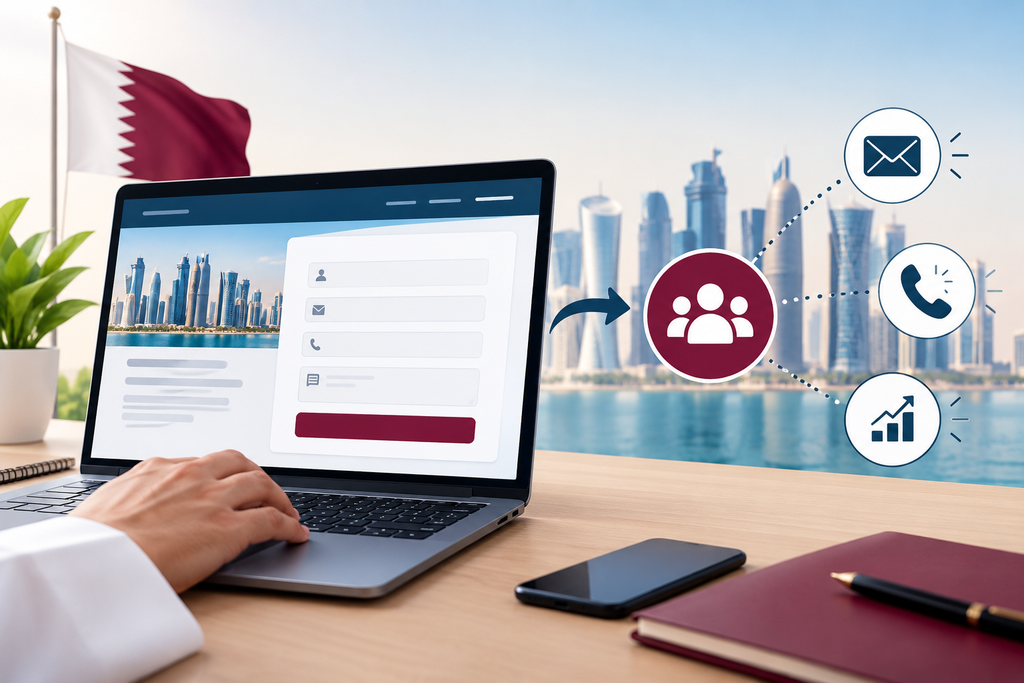
When visitors come to your website, they may not be ready to contact you but want to ask a question, get a quote, book an appointment or find out more.
Adding a form to your website makes it easy for customers to get in contact and provides relevant information to your business.
Having website forms can be very beneficial to your business in Qatar. Whether you’re selling properties in Doha, offering a consulting service, selling products online or providing a service, having the right website form can help you generate more genuine leads.
However, the form must be easy to fill in and ask the right questions.
In this blog, we’ll take a look at how website forms can help your business in Qatar generate better leads and manage customer inquiries.
What Are Website Forms?
Website forms enable visitors to send information to you. Usually this will be a form with fields to enter information such as name, email, telephone number and/or questions.
Once completed the information will be sent to your business, added to a database or passed onto another tool.
Common types of website forms include:
Feedback forms: Collect customer opinions and suggestions.
Contact forms: Allow visitors to ask questions or get in touch.
Quotation request forms: Help businesses understand a customer’s project or service requirements.
Booking forms: Let customers request appointments or consultations.
Registration forms: Collect information from people signing up for an event, course, or service.
Newsletter forms: Allow visitors to subscribe to email updates.
Why Website Forms Are Important
Often businesses will invest in their website design, search engine optimisation and digital marketing to help attract potential customers. However, having the right form is important in helping those interested to easily get in contact.
For example, a customer searching for a web development company in Doha may come across your website and would like to know how much a new website would cost.
If your contact information is hidden or confusing to find, customers may leave your website.
Having a clear quote form will help your customer to easily move forward. The customer can tell you what they need and your team will have enough information to provide a relevant response.
Website forms can also help you to gain customer inquiries outside of normal hours, however this will depend on your team’s availability and automation.
1. Gain More Relevant Inquiries
Not all customers will have the same requirements. Some may just want general information whilst others will want to discuss a project or get a price.
Having a good plan for your form can help customers tell you what they need.
For example, if you’re a digital marketing agency in Qatar you can add fields to help you understand what service they need. This could be SEO, Web Development or Social Media Marketing.
This will help you understand what they’re asking for and can help you pass it onto the correct person.
You don’t want to ask too many questions. Just make sure you ask for enough information to help you understand what they need.
2. Generate More Qualified Leads
Qualified leads are those potential customers that have requirements that are relevant to your business. Website forms can help you identify these leads by collecting important information such as what they need, project size, budget range or expected timeframe.
For example, if you’re a website development company you can ask customers if they need a new website, a redesign or maintenance.
If relevant, you can also ask them for their budget range and approximate start date.
This will help your team to prioritise the inquiry. However, there is no way to know everything about your potential customer. Some good leads may not know their budget so you don’t want to have strict requirements that may put off suitable customers.
3. Easy To Get In Contact
Most people like things to be simple. If your form is too lengthy, confusing and hard to complete on mobile, customers will give up.
The form should be simple, clear and easy to navigate.
Most simple contact forms will just require a name, email/telephone number and message. However, if you need more detailed information for quotes on larger projects or specialist services you can have a more detailed form.
Make sure all fields are clear, ask for information you need, make sure required fields are clear and add helpful error messages. Make sure it is mobile friendly and show a confirmation message.
By making small changes to your form it can help make the inquiry process less frustrating.
4. Help Your Sales Team Save Time
Often employees will have to send multiple messages to potential customers to understand what they need. However, having a good website form can help you collect basic information so your team can provide a useful response.
For example, if you offer office interior design services in Doha you can ask what type of space they need, approximate size and what services they need.
Once the enquiry has been sent to your team you will have an idea of what they need.
Whilst this won’t remove the need for personal communication, it will reduce any back and forth and your employees can focus on understanding what your customer needs.
5. Integrate With Your CRM
If you’re receiving regular inquiries it can become difficult to manage them all going into a single email inbox. Integrating your website forms with a customer relationship manager can help you manage your leads.
Depending on your integration, you can automatically add new customers, assign the inquiry to the correct person and set reminders for follow ups.
For example, if a customer asks for a quote from a service company based in Qatar, the information can be stored in your CRM and assigned to the correct sales representative.
Your team can then track the enquiry, update and note the outcome.
Before integrating make sure your form, CRM and automation tools are compatible. Also make sure the customer information is managed securely.
6. Help With Follow Ups
Having a good process in place for responding to potential customers is important. Having your website forms integrated with automation tools can help you complete simple tasks.
For example;
Customer submits an enquiry via the website.
Automatically sends an acknowledgment email.
Saves the enquiry into your CRM.
Notifies the correct team member.
Sets a reminder for follow up.
This means your enquiries will go into a consistent process.
Don’t promise your customer that someone has looked at their enquiry. Just let them know it has been received and if applicable, when they can expect a response.
7. Know Which Marketing Activities Are Generating Leads
Your business in Qatar may be receiving website traffic from Google, social media, paid ads, referrals and email campaigns. Website forms can help you understand which activities are generating real leads.
For example, if your company is receiving traffic from organic and Google Ads you can track which activity is generating the most relevant potential customers.
This can help your marketing team to make better decisions about what content to create, how much to spend on advertising and future campaigns.
Don’t just track how many form submissions you’re receiving. If your campaign is generating lots of enquiries but they are not relevant to your business it won’t be very useful.
Look at the quality of your leads and try to track how many are becoming genuine sales opportunities/customers.
8. Build Trust
Customers are more likely to give their information if they know why you’re asking for it and how you’re going to use it. Tell them what will happen once they have completed the form. For example, if they’re requesting a quote, tell them you’ll look through their requirements and get back to them.
If you’re asking for personal information, make sure you have an easy to find privacy notice. Don’t ask for anything that isn’t needed. Make sure your business has the right security in place to protect the information.
If you’re asking for newsletter sign ups make sure you have the correct consent and make it easy to manage preferences.
Overall, be clear with your communication.
Common Mistakes With Website Forms
Even a well-designed website can lose potential enquiries if its forms are poorly planned. Here are some common problems to watch for.
Asking too many questions: Long forms can discourage visitors. Start with the essential details and ask additional questions only when they are useful.
Using unclear field labels: Visitors should understand what information is required without guessing.
Ignoring mobile users: Forms should be easy to complete on smartphones, with readable text and appropriately sized input fields.
Providing no confirmation: After submission, visitors should see a clear message confirming that their enquiry was received.
Failing to test submissions: Broken forms, incorrect email notifications, and missing CRM records can cause businesses to lose enquiries without realising it.
Using weak spam protection: Unwanted submissions can waste time and make genuine enquiries harder to manage. Use appropriate anti-spam measures without making the form unnecessarily difficult to complete.
Never reviewing performance: Monitor form submissions, errors, and lead quality so you can identify areas for improvement.
Checking these details regularly can help keep your website enquiry process reliable.
How To Create An Effective Website Form
You don’t need a complicated form. A simple, well designed form that will help you achieve your business goals will be more useful.
Decide what you want your customer to be able to do. If you just want them to ask general questions a simple contact form may be best. If you need more information about their project to provide a quote, a more detailed form may be more appropriate.
Ensure all labels are clear. Don’t ask any unnecessary questions. Test the form on desktop and mobile. Make sure the information is going into the correct inbox/system.
If you’re receiving lots of inquiries consider integrating with a CRM or automation platform. This will help your team manage your leads, send acknowledgments and follow ups.
Look at what information you’re collecting. If customers are abandoning your form or not completing it fully look at ways to make it simpler.
Final Thoughts
Having website forms can help your business in Qatar turn website visits into meaningful inquiries. By asking the right questions, keeping the form simple and integrating with the right tools in your business you can improve your lead management and provide a better customer experience.
The form doesn’t need to be the longest or most advanced. It just needs to help your customers to explain what they need and give your team enough information to provide a relevant response.
We help businesses improve their online presence by creating websites, using AI automation and digital marketing. We can help you create easy to use websites and integrate your enquiry forms to help your team manage your leads more efficiently.
Ready to Get Started?
Orbition X builds WordPress websites, Shopify stores and landing pages from Doha. See our web development service or book a call and we will scope your project and give you an itemized quotation.