
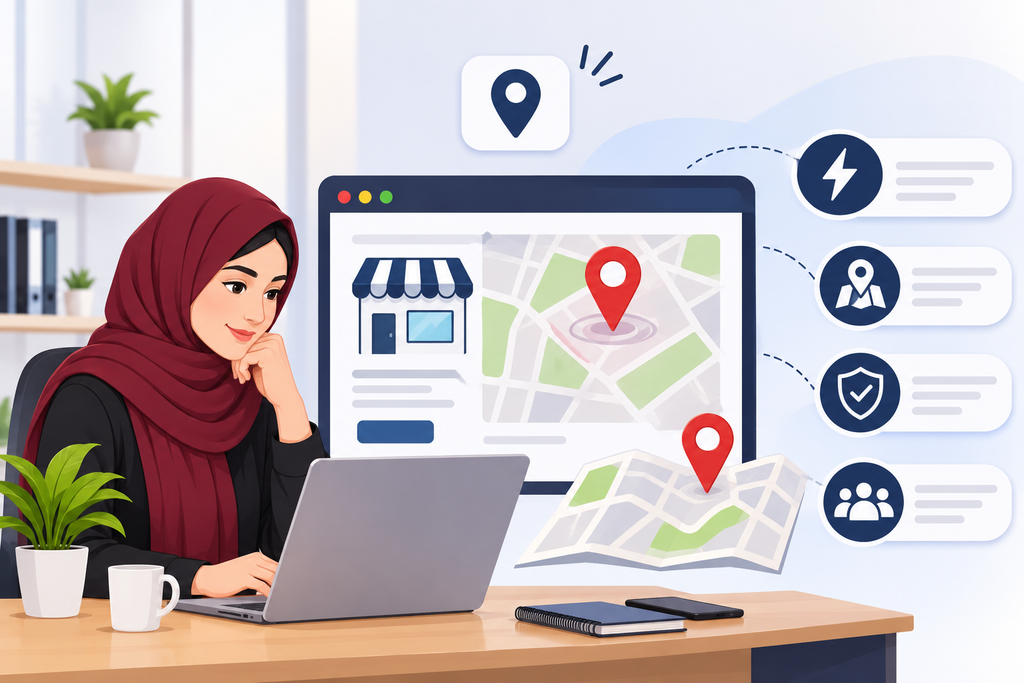
often want to know where a business is based online. Whilst they may find your website, they may look into the services you provide and decide to pop into your office, shop or showroom.
But if they can’t easily find your address or know how to get there, they might look for another business.
By including location features on your website you can make it easy for your customers to know where you’re based and make it easier for them to contact you.
If you’re based in Qatar including clear location information can make your site more helpful.
What are Location Features?
Location features can help people find where you’re based.
These can include:
Google Maps
Address and contact details
Directions to your office or shop
Location maps for each branch
Links to directions on mobile
Depending on your business and how customers usually use your site you’ll need to include different features.
1. Help Customers Find Where You’re Based
If someone is searching for a restaurant, salon or shop in Doha and find your website, but can’t easily find your address.
They may need to search for your location.
Including your address and location map makes it much easier for customers to find out where you’re based. This means they can quickly decide if it’s convenient for them to come to your business.
This is perfect to use if you have customers coming to your physical location.
2. Provide Directions to Your Business
Whilst providing your address is helpful, some customers may need to know how to get to your business.
You can include a link to Google maps or include a map. This will show customers where you’re based.
For example, if you have a furniture showroom in Qatar you could include a map on your contact page. Customers can then click on the location on their phone and get directions.
These small additions can make it easier for customers to visit your business.
3. Help Mobile Users
Many people will search for local businesses on their smartphone.
They could be out and about, walking around a shopping area or looking for a service nearby.
Using a mobile friendly location feature helps them to quickly find your address and click on directions.
Ensure your map, address and direction links work well on smaller screens. Ensure key information can be easily found.
4. Help Multiple Locations
If you have multiple locations for your business in Qatar, you may want to include location features.
For example, you may have multiple branches for your restaurant group. If you only have one general address on your website it can cause confusion for customers. They won’t know which branch is closest to them.
Having a separate location section for each branch can help.
You can include:
Branch Name and Address
Opening times
Contact Number
Map location
Directions for each branch
This will help customers find the most suitable location for them.
5. Help with Contact Page
Your contact page should make it easy for customers to know how to contact you.
Alongside your phone number and email you can include a map, address and directions.
For example, if you offer professional services in Doha you can include a map showing where your office is located. This can be included with your enquiry form.
Customers can easily find the information they need.
6. Help with Planning Visits
Customers may want to know extra information such as parking, which entrance to use and what the closest landmark is.
Include a couple of helpful notes around your map. For example,
You can mention that your office is located inside a specific commercial building or close to a popular landmark.
Ensure this information is correct and update when your business changes address.
Where to Include Location Features
Ensure location information is easy to find.
Some great places to include location features are:
Contact Page – Include full address and map
Homepage – Include brief location information
Branch Pages – Include individual address and map for each branch
Footer – Include your main address
Store/Service Pages – Include location information
Be selective when adding location features to your website.
Top Tips for Location Features
A map will only be useful if the surrounding information is correct.
Some top tips to consider are:
Ensure address is correct
Ensure location on map is correct
Ensure directions work
Ensure branch information is up to date
Ensure maps are easy to use on mobile
Include clear opening times and contact information
Avoid adding extra location information
If your business changes address don’t forget to update your website.
Final Thoughts
Although this seems like a small detail, location features on your website can make a big impact on customer experience.
By including clear addresses, helpful maps and easy directions can help customers find your premises in Qatar.
Ensure your location information is accurate, easy to find and mobile friendly.
Ready to Get Started?
Orbition X builds WordPress websites, Shopify stores and landing pages from Doha. See our web development service or book a call and we will scope your project and give you an itemized quotation.