
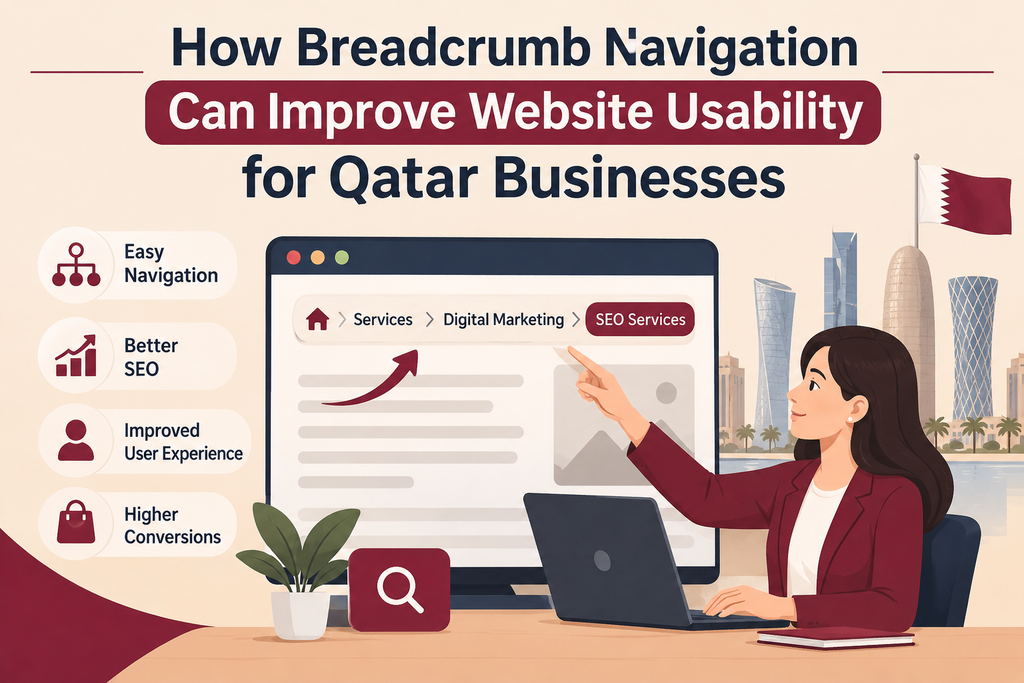
When users access your website, they will want to easily find the information they need. They may navigate from your homepage and then click through to service category pages and then to a specific page. With lots of sections on your website, it can become confusing for users to know where they are.
This is where breadcrumb navigation comes in.
Breadcrumbs allow users to see where they are on your website. This then makes it easier for users to navigate between pages.
Adding breadcrumb navigation can make it easier for users to navigate through your website if you have lots of services, product categories or blog articles.
Let’s look at how breadcrumbs work and why they can be useful.
What Is Breadcrumb Navigation?
Breadcrumb navigation allows users to see a small list of links showing them how they got to the page they are currently on.
For example:
Home > Services > Website Development > E-commerce Websites
This shows the user where they are.
Each section (except the current page in most cases) can be clicked to go back to previous sections.
As the name suggests, breadcrumbs leave a trail for users to follow. Breadcrumbs help users understand how they got to where they are on your website.
Breadcrumbs are typically used on e-commerce sites, business websites, online directories and large blogs.
Why Is Breadcrumb Navigation Important for Businesses in Qatar?
If your business website has lots of pages, you may have several pages showing different services, products and information.
For example, a business in Doha may offer website development, digital marketing, AI automation and e-commerce services. When a user browses through these sections, they should know how they fit in with the rest of your website.
If your navigation isn’t clear, it could be confusing for users to switch between related sections.
Adding breadcrumbs to your website gives users an alternative way to navigate your site and allows them to know where they are and easily switch between larger categories.
They can be very useful if you have multiple levels on your website.
1. Help Users Know Where They Are
One of the main reasons to use breadcrumbs is to show users where they are on your website.
Imagine a user is browsing through an online store and has clicked through to a specific product within a category of hundreds of products.
Your breadcrumbs may show:
Home > Electronics > Computers > Laptops
This makes it clear what category the product is in.
Users can also click back to previous sections if they want to browse other products in that category.
This can make browsing easier for businesses in Qatar who have detailed pages or lots of products.
Users will now know where they are on the website without having to guess.
2. Easier Navigation
Users shouldn’t have to constantly use the back button in their browser to navigate your site.
With breadcrumbs you give users an alternative way to navigate back to previous sections.
Imagine a user is viewing a specific article on your business blog and wants to go back to the Guides section. Breadcrumbs can help with this.
Having breadcrumbs such as Home > Blog > Guides > Current Article means they can easily navigate back.
This can be really useful if they have landed on a page directly from Google or another external website.
They may not have navigated to your homepage first so having breadcrumbs will help them know where they are and what other sections they can access.
3. Improves Website Structure
Breadcrumbs encourage website owners to organise their pages into categories.
For example, an online store may have categories and subcategories. A service based business may have categories based on their services.
Your structure may look like this:
Home
Services
Website Development
Digital Marketing
AI Automation
Blog
Guides
Company Updates
When your pages are organised in a logical way, users will understand how they relate to each other. This can be shown using breadcrumbs.
However, your website structure should be well thought out. Adding breadcrumbs to a disorganised website won’t help with the navigation issues.
4. Helps Users Navigate Large Websites
If your website isn’t too large then breadcrumbs may not be needed.
However, if your website is large then breadcrumbs can help.
Imagine you have an e-commerce site with hundreds of products. Users may be browsing between different categories, subcategories and products to compare. Breadcrumbs can help users easily navigate back to larger sections.
This can also help property websites, online directories and websites with lots of articles.
If you are constantly adding new products/services/content then breadcrumbs can help users stay organised.
5. Helps Users Find Related Pages
Breadcrumbs can help users navigate to related pages within the same section.
For example, if a user is reading an article on website development, they may realise it is part of a larger Guides section. They can then click on this to view other articles related to their topic.
Customers may also want to go back to the category to compare similar products.
This can help to encourage users to browse your website more. However, don’t make your breadcrumbs too focused on related content. This can be added separately if it is genuinely providing value.
6. Helps with SEO
Breadcrumbs can help provide some useful information.
They help users (and search engines) understand how pages relate to each other. Website owners can also use breadcrumbs structured data to help Google understand the breadcrumbs on the page.
In some cases Google may use this to show breadcrumbs in the search results.
However, simply adding breadcrumbs won’t guarantee you will rank higher or have a special look in the search results.
Breadcrumbs should be used as part of your overall SEO strategy. Ensure you have useful content, internal links and an organised website.
7. Make Breadcrumbs Mobile Friendly
Many customers will browse your website on their smartphone. Ensure your breadcrumbs work well on smaller screens.
If you have a long bread crumb trail it can take up too much space.
For example, if you have multiple category sections it may cause issues on mobile.
To avoid this:
Keep your page names short and descriptive.
Ensure you have plenty of space between your links.
Make sure your links are easy to click.
Don’t let your breadcrumbs overlap with other content.
Only include the most relevant sections on smaller screens.
Ensure the current page is easy to identify.
Test your breadcrumbs on different screen sizes to ensure users can easily use them.
8. Choose the Right Type of Breadcrumbs
Not all websites will need the same type of breadcrumbs.
There are different types depending on your website structure.
Hierarchical breadcrumbs – Show the user where they are on your website. These are often used on business websites or online stores.
Attribute breadcrumbs – Show the filters/attributes applied to a product. For example, an online store may have breadcrumbs showing the category and brand/product attribute selected.
History breadcrumbs – Show the history of pages the user has visited. These aren’t used as often as the navigation may differ depending on how they have browsed.
Most business websites would be best using hierarchical breadcrumbs as they give a clear view of your website.
Choose the type based on how your website is organised.
Common Breadcrumb Navigation Mistakes
Breadcrumbs are useful when they are clear and consistent. Poor implementation can create confusion instead.
Here are some common mistakes to avoid:
- Using unclear labels: Keep page and category names easy to understand.
- Showing an incorrect page hierarchy: Make sure the breadcrumb reflects the actual website structure.
- Making links difficult to click: Provide enough space for visitors to use them.
- Ignoring mobile screens: Check that long breadcrumb trails fit smaller devices.
- Adding unnecessary levels: Avoid making the navigation trail longer than needed.
- Using breadcrumbs instead of a main menu: Breadcrumbs support navigation but do not replace the primary menu.
- Forgetting structured data accuracy: If you use breadcrumb schema, make sure it matches the visible navigation.
A little attention to these details can make breadcrumbs much more useful.
How to Add Breadcrumbs to Your Website
If you want to add breadcrumbs to your website, have a look at your current page structure.
Identify your main sections, categories and subcategories. Ensure users can understand how your pages relate.
If using WordPress, some SEO plugins and themes have built in breadcrumbs.
Popular plugins include Yoast SEO and Rank Math. Enable the breadcrumbs and adjust how they appear on your breadcrumbs enabled pages.
If your website is using a custom design, your developer may need to add breadcrumbs to your website theme.
Once added, test your breadcrumbs on different pages to ensure they are taking you to the right sections.
Check your mobile version and breadcrumbs structured data.
The aim is to make navigation easier.
Final Thoughts
Breadcrumbs may seem like a small detail but can make your website easier to navigate.
They help users know where they are, navigate between related sections and easily navigate back to larger categories.
Breadcrumbs can be very useful for Qatar businesses who have lots of services, products or regularly published content.
They shouldn’t be used as an alternative to a good navigation menu or clear website structure. They provide an additional way for users to navigate your website.
If your website has multiple levels, having a look at your breadcrumbs could be a simple step to help improve your user experience.
Ready to Get Started?
Orbition X builds WordPress websites, Shopify stores and landing pages from Doha. See our web development service or book a call and we will scope your project and give you an itemized quotation.